Real User Monitoring (RUM)
Called “RUM” among insiders, Real User Monitoring consists of observing and analyzing the experience perceived by real users, directly from their browsers, regardless which one they use.
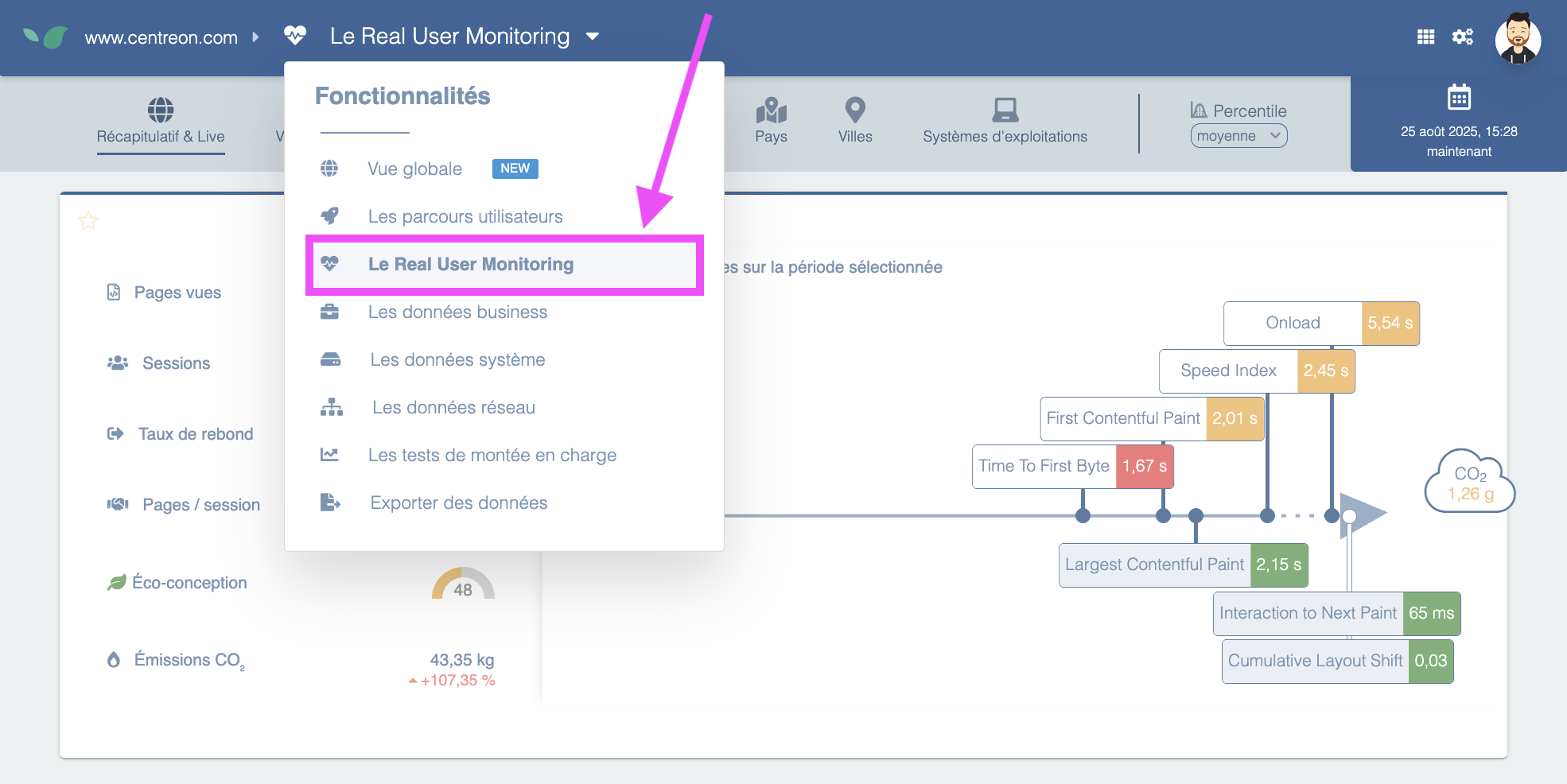
It's important to note that:
- this feature requires adding an external tag to the page, which is designed to be loaded asynchronously and to be extremely lightweight so it doesn't slow the user's browsing on the site.
- the type of data sent by the browser via the DEM tag and the way DEM stores these elements in its database ensure the DEM tag is excluded from the scope of GDPR. Indeed, the figures sent through the tag are purely technical and not personally identifiable. The DEM dashboard allows observing site behavior for different browser types (Chrome, Mobile Safari, EDGE, ...) but without any possibility to identify a unique user.
Once this tag is in place, DEM can record the experience perceived by all users with or without sampling, which provides a very precise view of key performance metrics (e.g., TTFB, Speed Index, full page load time, etc.).
The key benefits provided by RUM are:
- an objective view of performance because it is measured by the users themselves. Example: if the site is mostly visited by users on Safari and the site's code runs particularly poorly on that browser, it will be immediately visible that a problem on that specific browser impacts a large portion of the site's traffic.
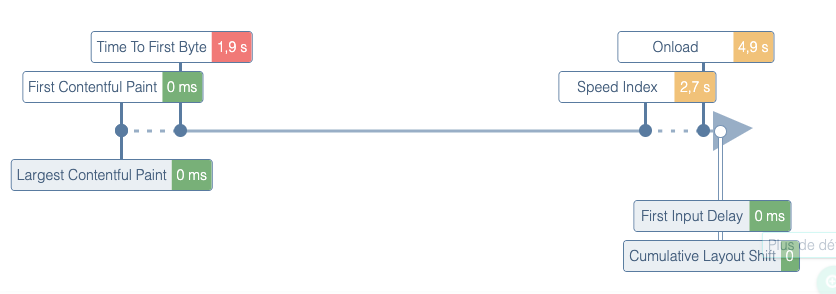
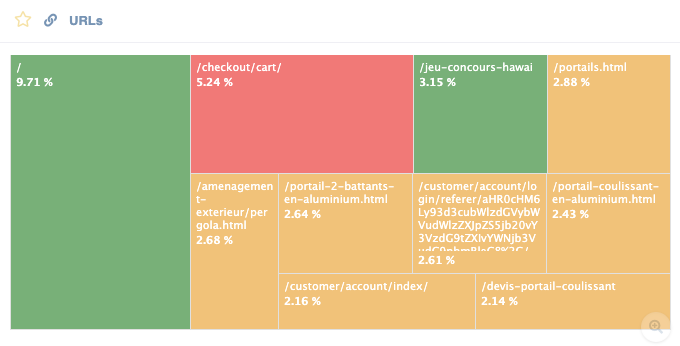
- an exhaustive view of performance for all pages visited by users. This is a major difference compared to Synthetic Monitoring, which measures certain reference pages or journeys. Conversely, the RUM data collector will record performance metrics (TTFB, Speed Index, etc.) every time a click is made on the site. The result is the construction of a cross-cutting, real-time view of the most visited pages with their respective performance scores:
Next: how to Install Real User Monitoring.