Accedian PVX Skylight
How it works
Every PVX-Skylight instance provides XML API endpoints allowing Centreon to perform queries against it.
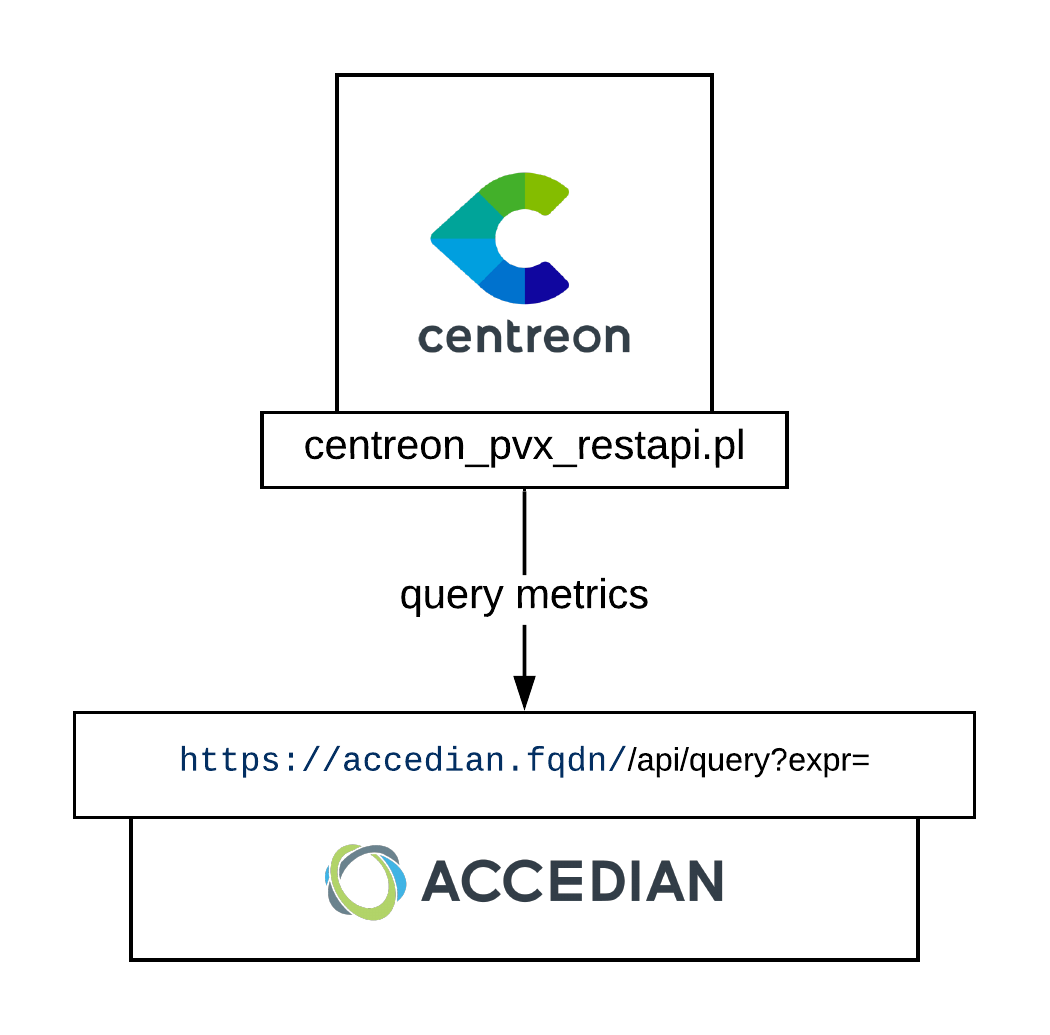
Compatibility
The connector has been tested with the following versions: * PVX version 5.1.1
Requirements
PVX
To query PVX API, you need to generate an access key. This key will never expire and the procedure below is an extract from the official documentation <http://docs.performancevision.com/api_use\>.
Follow these steps to get your API key. In each step replace the value of the macros enclosed by '< >' with yours.
Command: curl -k 'https://**\<pvxapihost>**/api/login?user=**<user>**&password=**<password\>**'
Result:
{
    "type": "result",
    "result": "**session:91554086-842b-4b73-9028-c51d20d91b94**"
}
Thanks to the obtained session ID, execute the command below get a secret key
Command: curl -k 'https://<pvxapihost>/api/create-api-key?name=**\<keyname\>**&_session=session:91554086-842b-4b73-9028-c51d20d91b94'
Result:
{
    "type": "result",
    "result": "**secret:e40b1cc6-f629-43a4-8be6-14a9c9f036e0**"
}
In this example the API key is "secret:e40b1cc6-f629-43a4-8be6-14a9c9f036e0".
Centreon
On each poller connecting to a PVX host, install the plugin:
[root@cps-demo-central ~]# yum install -y centreon-plugin-Applications-Pvx-Restapi.noarch
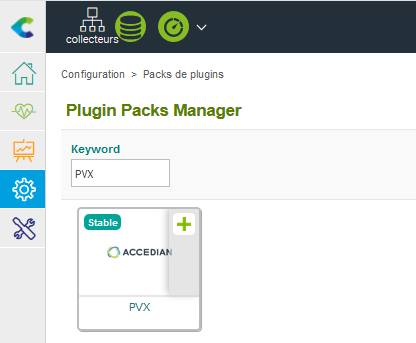
On your central server, install the plugin-pack through "Configuration > Plugin-Packs > Manager" menu:
⚠️ If you are using an offline license: Make sure to install the RPM package first with the command below:
[root@cps-demo-central ~]# yum install -y centreon-pack-applications-pvx-restapi.noarch
Getting started
You can now deploy hosts based upon the App-Pvx-Application-Restapi-custom.